Renew fitted equipment with compatibility, support and owner handover considered before delivery.
Start with the existing condition
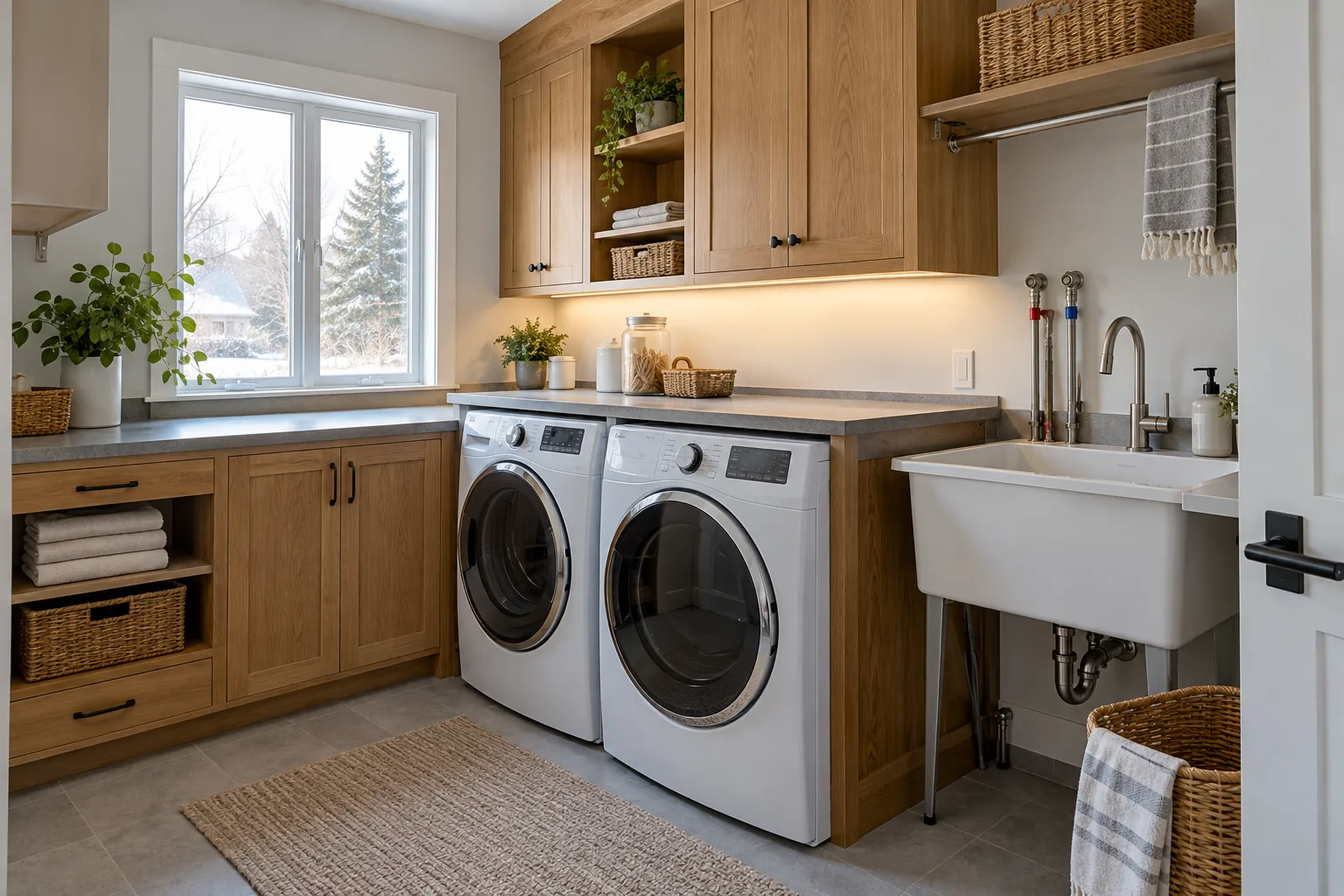
Compare the old and new models and the interfaces that remain. Laundry equipment needs utilities, exhaust and any stacking system checked. Smart locks, cameras and doorbells need supported power and networks, plus owner-controlled accounts. Shelves and rails need suitable fixing support and an intended load. A familiar appearance does not establish that these retained interfaces are compatible.
Make the important interfaces clear
Plan removal as part of the change. Old devices may contain recordings or account access; a damaged bracket can leave an unsound fixing; a different appliance can obstruct a door or service control. Ask who protects the route, removes the old item, prepares support and handles data or disposal. Keep keys, passwords and access codes outside the public project brief.
Leave a useful next step
The handover should demonstrate the way the household uses the item. Operate doors, controls, drawers or notifications as appropriate, retain product information and record any limitation of retained components. For blinds, current Canadian safety guidance matters, including the hazard from accessible cords. Added coverage, a new location or a deliberately changed function should be a separate Installing or Upgrading scope rather than hidden inside a replacement request.
Choose the next useful decision
Do not carry old accessories forward without checking them. A stacking kit, camera recorder, lock cylinder or shelf bracket may be model-specific. Identify retained accessories before purchase and have the suitable provider explain their compatibility, support and any limitation at handover.
Details to bring into the conversation
- Check retained interfaces
- Keep device accounts with the owner
- Review support loads and safe controls